Squarespace Vs WordPress For A Service Business
Squarespace is the easier start and WordPress bends further. Which one fits a service business, what each costs, and when to skip both.
- Topic
- Websites
- Published
- Reading time
- 3 minutes
- Written by
- The AHXE Labs team
Sections
Owners comparing Squarespace and WordPress usually want the same thing: a site that looks professional, shows up on Google and brings in calls, without turning into a second job. The two platforms get there differently, and the difference shows up later, in upkeep and in how far the site can grow.
What Each One Is
Squarespace is a website builder you rent by the month. It hosts your site, keeps its own software updated and gives you templates to edit in the browser.
WordPress is free software. You install it on hosting you pay for, or use the hosted version at WordPress.com, and you extend it with themes and plugins, many of them from other companies.
What Each One Costs
Squarespace and WordPress side by side, November 2026
| Squarespace | WordPress | |
|---|---|---|
| Starting price | From $19 a month | WordPress.com from $0 with limits, or your own hosting |
| Themes and add-ons | Built-in templates and paid extensions | Free and paid themes and plugins |
| Updates and security | Handled by Squarespace | Yours, or whoever you pay |
| Who builds the pages | You or a designer | You or a developer |
The plan price is the small part. The bigger cost is time: building every page yourself, or paying someone to build them and keep them current.
Who Keeps It Running
Squarespace patches its own software, so there's nothing for you to update. WordPress runs on PHP and a stack of plugins, and someone has to keep the core, the plugins and the server current, or a plugin breaks after an update. PHP's October 21, 2026 security advisory is a recent example.
Which One Helps You Get Found
Neither platform ranks you on its own. What brings in calls is a page for each service you offer and each town you serve, written the way customers search, with structured data that tells Google what each page is about. Both platforms can get there, though it takes deliberate setup.
When we moved Den & Burrow, a Lincoln home builder, off Squarespace in 2026, its old site listed 17 pages in its sitemap, and every page carried the same three blocks of structured data, so nothing told Google which page covered which service. Its two custom tools sat on separate subdomains, outside the sitemap.
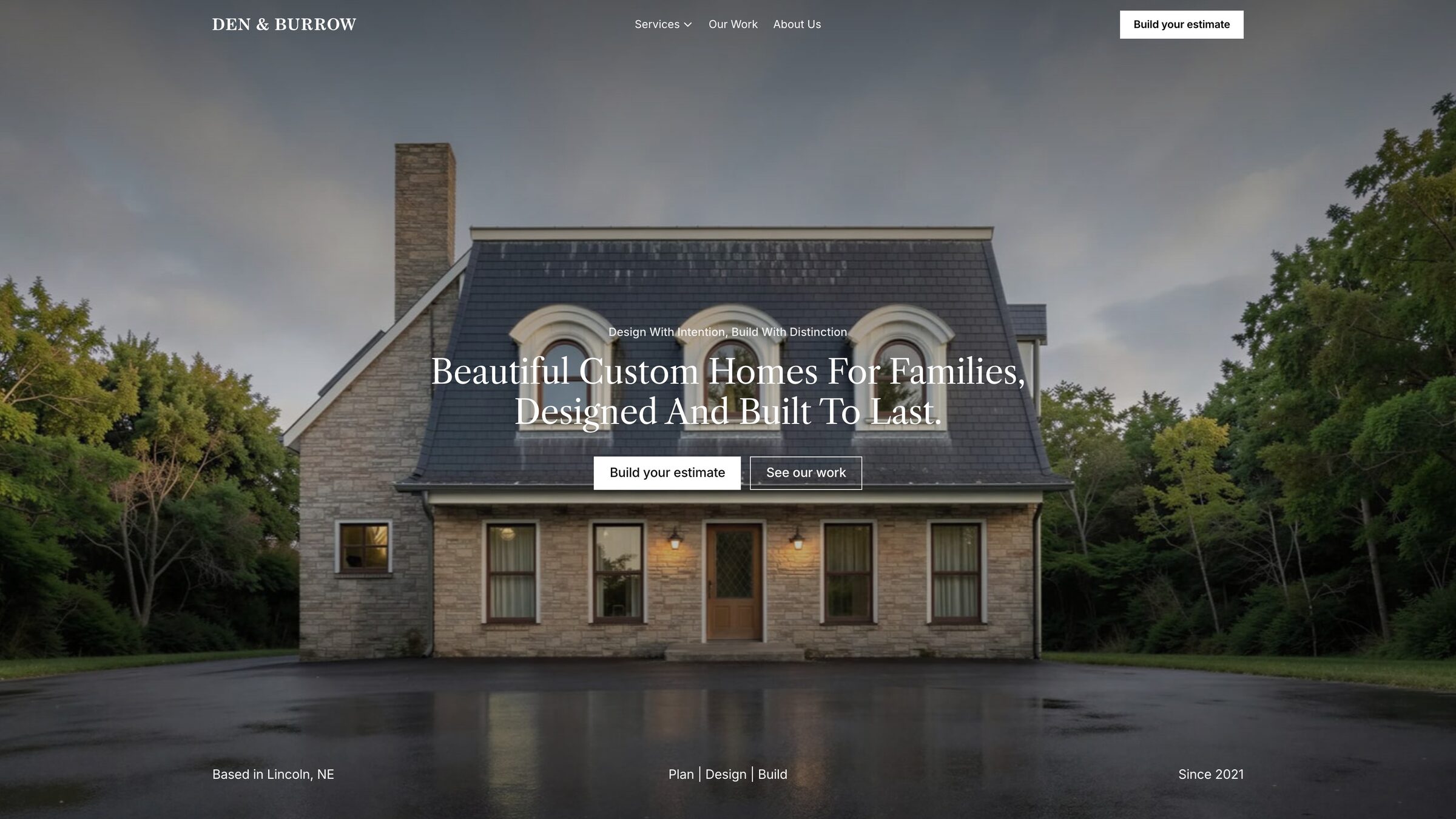
The new site lists 127 pages, with a page for each service and for towns like Seward, Waverly and Hickman, and each service page describes the service and answers its common questions in structured data.
Which One Should You Pick
- Squarespace, if you're starting out, want to build it yourself and need a handful of pages.
- WordPress, if you need a feature Squarespace can't do and have someone to keep it updated.
- A custom build, if the site has to bring in leads across many services and towns, and you'd rather hand off the building and the upkeep.
We build every site from scratch, and hosting, updates and changes come with a monthly plan, so the site grows with the business and the upkeep stays with us.
More Insights
How To Get Your Local Business In ChatGPT
When a customer asks ChatGPT who to call, it searches the web and names a few local businesses. How it picks them, and what to fix so yours is one.
Read moreHow Much Does A Website Cost For A Small Business In 2026
What a small business website costs to build and to keep running in 2026, from a site builder to a custom build, with our own prices in writing.
Read more10 Questions to Ask Before You Hire a Web Designer
The questions that separate a good web designer from an expensive mistake, what a straight answer sounds like, and how we answer each one ourselves.
Read more